
Source image
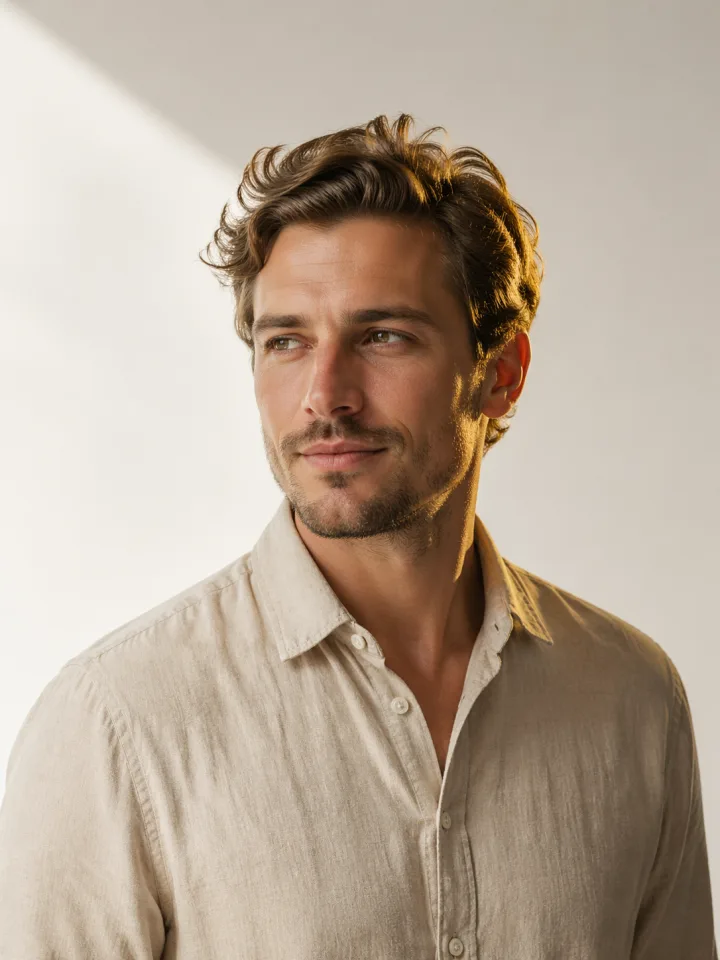
AI Body Shake result
AI Body Shake Example 1
Transform static portrait into dynamic body shake video.
Watch how the AI adds realistic body movement to the static image.
AI body shake generator for one-photo video motion
Upload one clear portrait and create a short AI Body Shake video with energetic motion, social-ready framing, and a simple 40-credit workflow.
The AI Body Shake workspace turns a single image into a body shake AI video. It is built for creators who want a fast portrait animation tool without opening a full video editor.
Upload one clear image, review the credit cost, then create a short motion video.
JPG, PNG, or WebP up to 50MB. A clear single-person image with visible posture works best.
Credits
Image 2 uses a fixed 40 credits per run.
Generated videos will appear here.
Showcase
Review example videos from the ai body shake workflow before running your own file.
Source image
AI Body Shake result
Transform static portrait into dynamic body shake video.
Source image
AI Body Shake result
Create engaging video content from static photos.
Source image
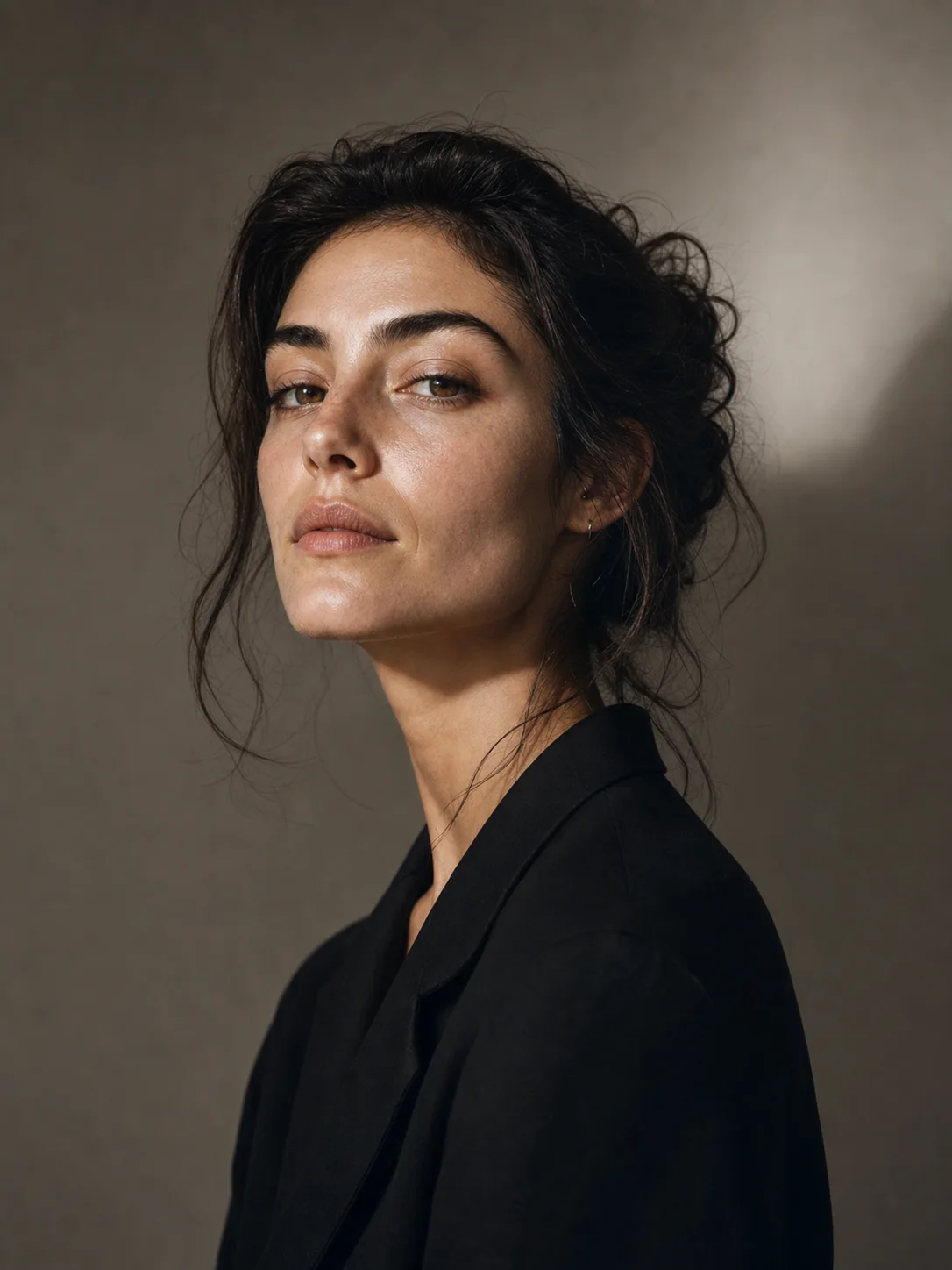
AI Body Shake result
Bring your photos to life with AI-powered movement.
AI Body Shake is a focused image to video workflow for turning one still portrait into a short motion clip. Instead of asking for a prompt, timeline, camera move, or editing stack, the page asks for one clear image and runs a direct body shake AI process. That makes it useful when you already have the right person photo and want a quick video variation for social posts, creator experiments, memes, campaigns, or motion tests.
The best AI Body Shake results usually start with a readable single-person image. Clean lighting, visible posture, and enough body framing give the model context for natural movement. A photo that is too close, crowded, or blocked by hands can make the animation less stable. For a stronger first run, use a front-facing or slightly angled image where the subject separates clearly from the background.
A general video generator can do many things, but AI Body Shake works better as a dedicated tool page because the job is narrow. You do not choose a model family, write a long prompt, trim a clip, or pick video modes. The body shake AI page keeps the action simple: upload one image, confirm the fixed 40-credit cost, generate the clip, and review the AI Body Shake result in the same workspace.
This structure helps creators move faster. A social editor can test whether a profile image has enough energy. A meme creator can try a portrait animation without building a full sequence. A marketer can use the tool to explore motion around a host, mascot, or product-facing portrait before creating a campaign asset. Each run stays predictable because the page uses one input and one output.
For a clean AI Body Shake clip, start with a source image that already works as a still frame. The subject should be sharp, centered enough for the body shake AI model to follow, and framed with visible shoulders, torso, or legs when possible. Avoid multiple people, motion blur, extreme crops, hidden posture, or low subject-background separation. These choices give the generator a clearer pose to animate.
After generation, review the output like any short social video. Check whether body shake AI motion feels readable, the face remains acceptable, and the framing fits your platform. If the first result feels unstable, try a cleaner image instead of retrying the same photo. The workflow is fastest when the source already communicates the pose, expression, and energy you want the final clip to carry.
Each public tool page keeps the real generator close to the product promise, so visitors can understand the capability and try it without hunting through the app.
AI Body Shake only needs one source image, so the page stays focused on upload, credits, progress, and output preview.
Each AI Body Shake run uses the same fixed 40-credit rule as the reference product workflow.
The body shake AI generator works best with a clear person image, readable posture, body framing, and clean lighting.
Finished AI Body Shake videos are saved to Image 2 storage and appear in result history for download.
Use these starting points to match the page to concrete creation tasks.
Turn a portrait into a body shake AI clip for a short reaction, meme, or social post.
Use AI Body Shake to add movement to a product creator, host, or campaign image.
Test whether a still photo can become an energetic motion result before building a longer edit.
Keep the workflow simple: describe the output, choose the model settings, run a draft, then refine the strongest direction.
Step 1
Choose one AI Body Shake source image in JPG, PNG, or WebP format up to 50MB.
Step 2
Use a single-person image so body shake AI can read posture and body framing.
Step 3
Spend 40 credits to run AI Body Shake and keep the tab open while the video is created.
Step 4
Review the AI Body Shake result in page history, then download the finished video.
Quick answers for choosing the right settings before generating.
AI Body Shake costs 40 credits per generation in Image 2, matching the reference product pricing for this tool.
Use one clear JPG, PNG, or WebP image with a single person, readable posture, clean lighting, and enough body framing for the motion to be inferred.
No. The generator uses the uploaded image as the core input, so the page does not require a text prompt for the first version.
Yes. Completed videos appear in the result panel and can be downloaded from the page history.