
Source image
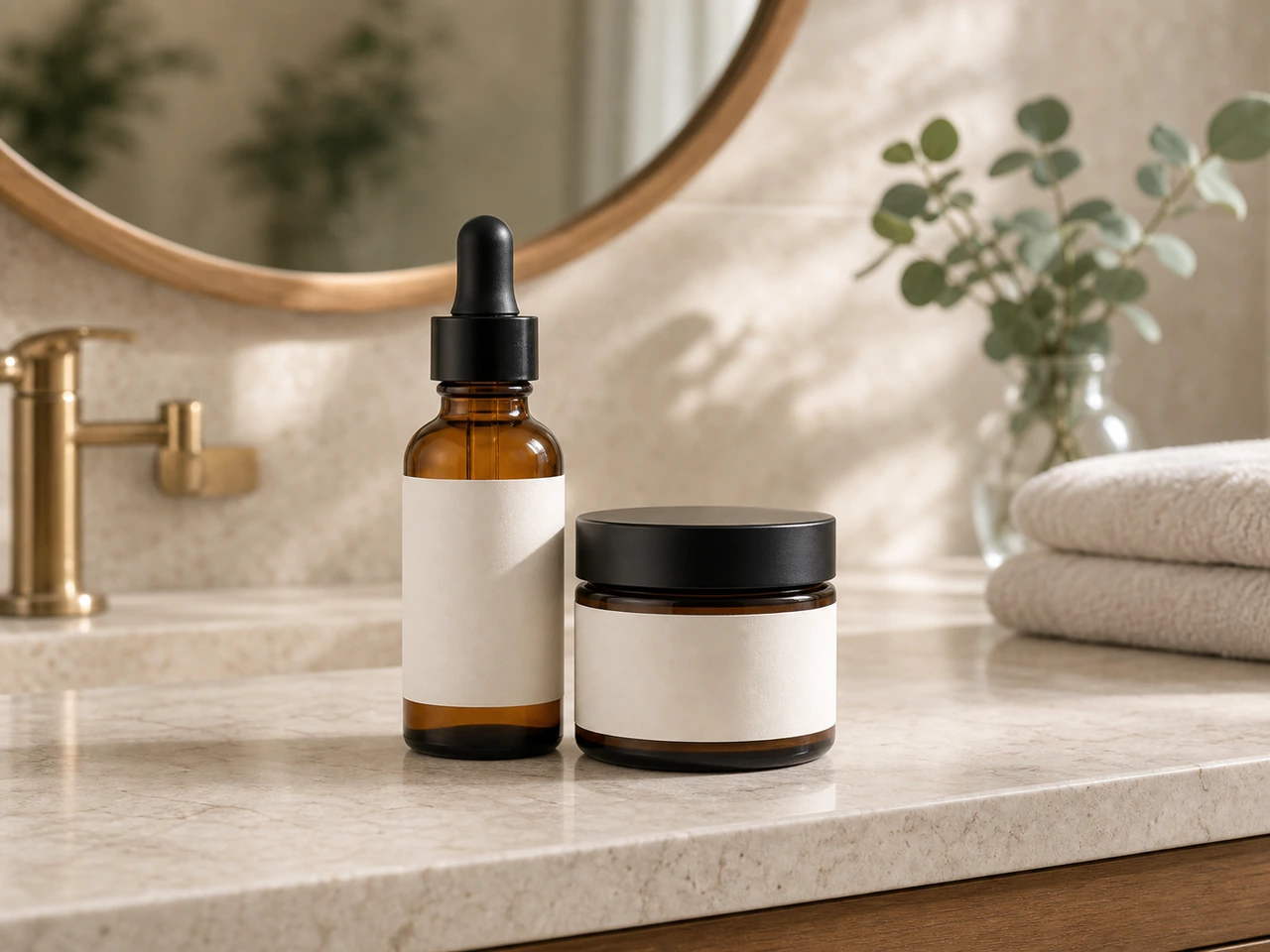
Poster result
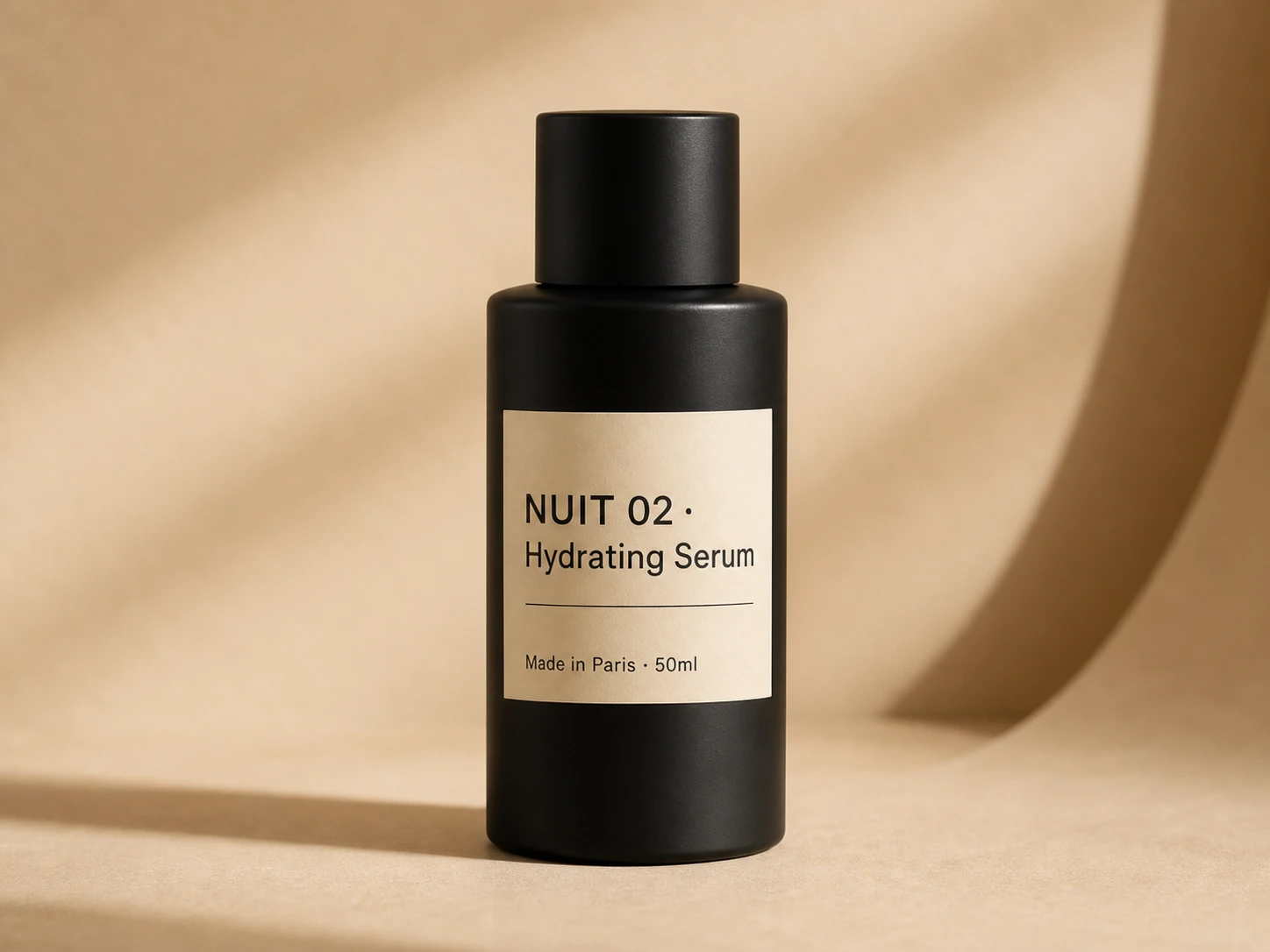
Product Poster Visual
Turn a simple product reference into a campaign-ready poster visual.
Product Poster mode should preserve the product while improving composition, lighting, and copy space.
Image 2 poster tool for commercial visual layouts
Upload a product, portrait, event image, or visual reference and create a polished poster visual for launches, social campaigns, events, and creator promotion.
The AI Poster Generator uses one uploaded image as the reference, then builds a stronger poster composition with controlled lighting, background design, copy space, and campaign-ready visual polish.
Upload one source image, choose the focused tool mode, then generate a cleaner AI-edited result.
Source image
RequiredMode
Create a polished product poster for launches, ecommerce, ads, and brand campaigns.
Background
Use a refined commercial layout with clear negative space for later text.
Output shape
0/800
Showcase
Review example outputs from the ai poster generator workflow before running your own file.
Source image
Poster result
Turn a simple product reference into a campaign-ready poster visual.
Source image
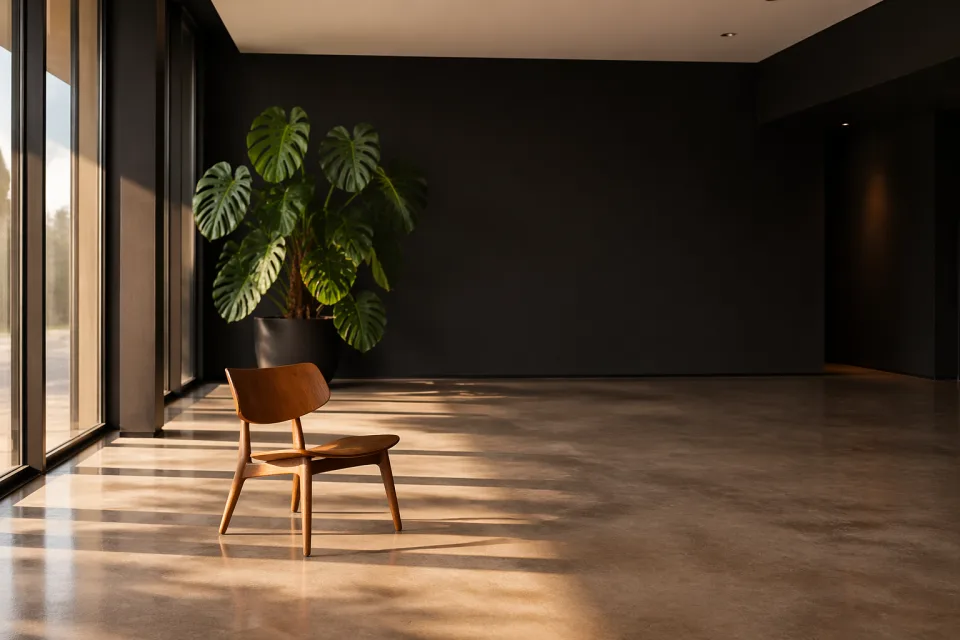
Event poster result
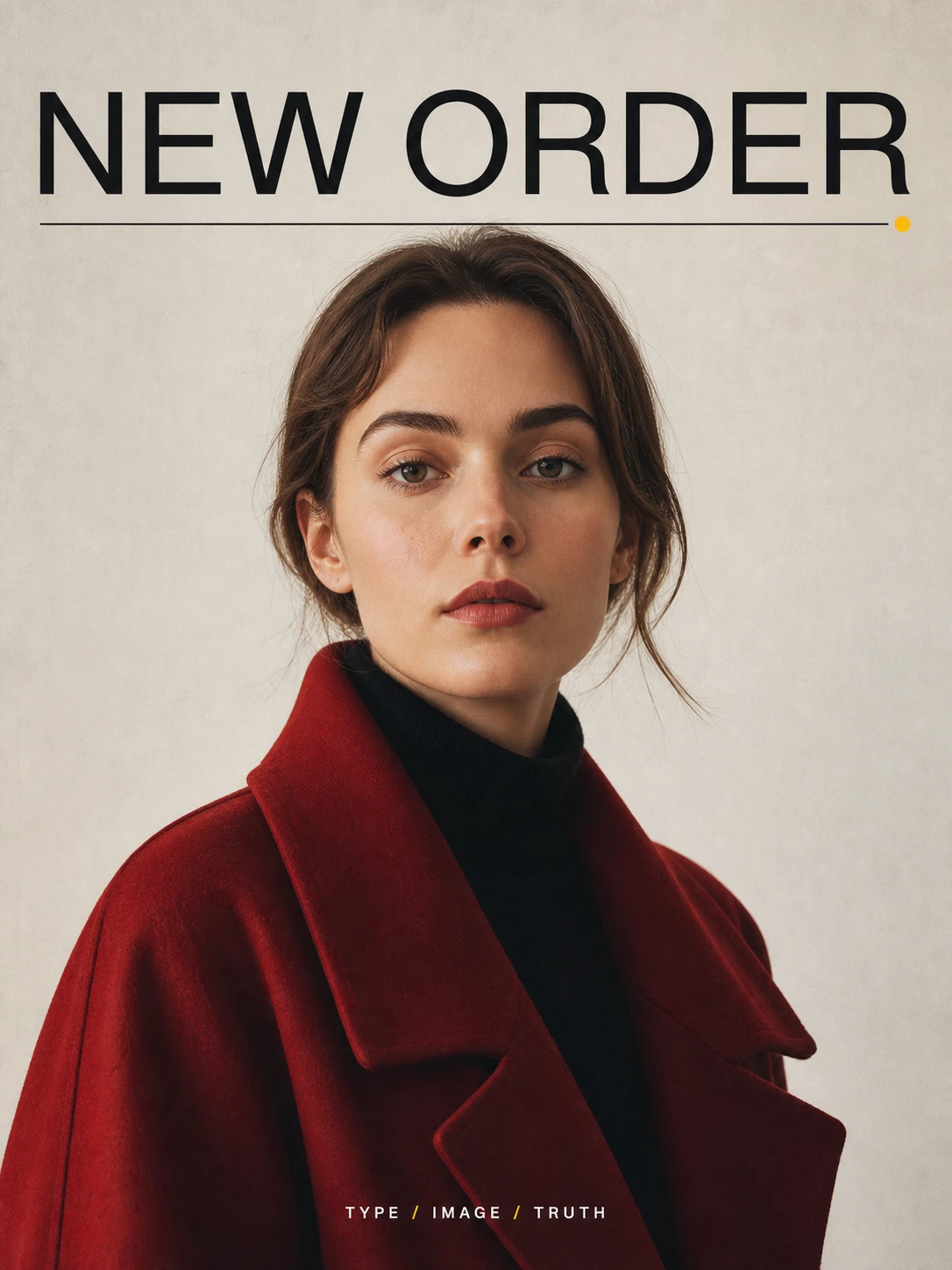
Use a reference image to create a stronger poster layout for an event or announcement.
Source image

Social poster result
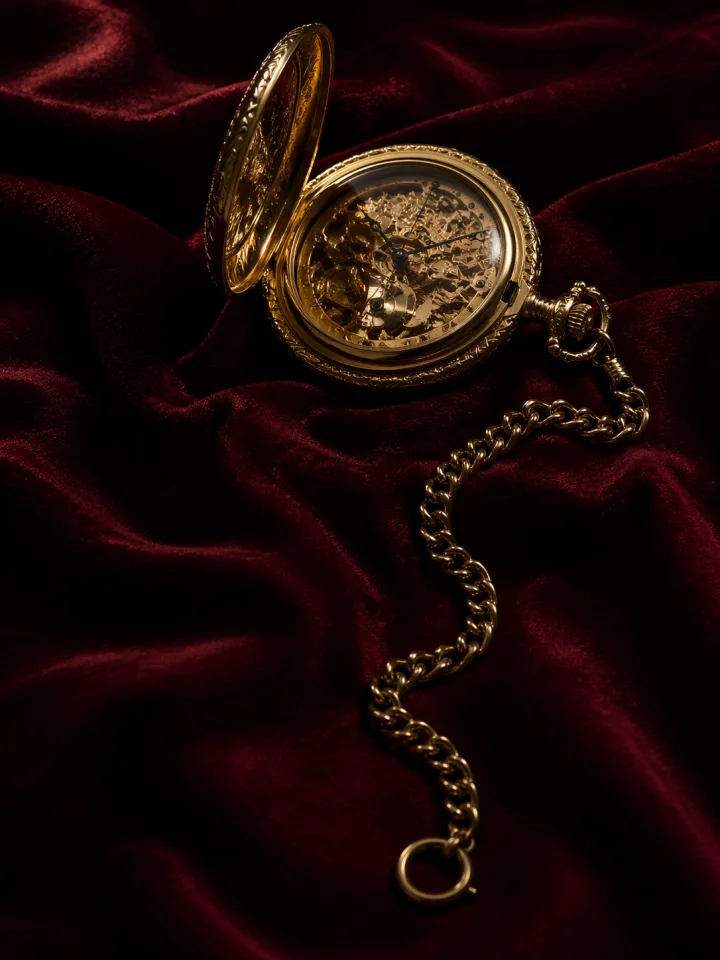
Create a creator-ready poster image for feeds, thumbnails, and short-form campaigns.
An AI Poster Generator is most useful when you already have a product, portrait, event image, or mood reference but need a stronger visual layout. Instead of starting with a blank canvas, the poster generator uses the uploaded image as the source of truth. It can keep the subject, product shape, face identity, key colors, and scene direction while building a polished poster visual around it.
This page is designed for product launches, ecommerce campaigns, music announcements, courses, and social media campaigns. The AI poster generator focuses on composition, lighting, background design, copy space, and hierarchy. It creates a poster image for ads, landing pages, thumbnails, and design tools without a manual layout session.
Product Poster mode is best when the reference is a real item, package, device, book, or physical product. The product poster generator should preserve shape, color, label details, material, and proportions while making the visual more sellable. Event Poster mode is built for announcements, music nights, classes, meetups, and creator events. Social Poster mode is useful for square or vertical posts where the first impression matters.
Layout style gives the AI poster generator a clearer target. Clean Commercial leaves negative space for later headline work. Editorial Layout feels more designed and magazine-like. Cinematic Mood adds stronger lighting and atmosphere. Minimal Poster keeps the subject clear and avoids clutter. If you need text, write a short title in the optional instruction; otherwise, add final typography later for accuracy.
The best source for a poster generator is a clear image with a readable subject. Products should show shape, label, material, and color. Portraits should show the person clearly. Event images should communicate mood or activity. If the source is dark, cropped, or cluttered, add a stricter note such as keep the product exact, preserve the face, leave empty space at the top, or avoid adding text.
Review every AI poster generator result before publishing. Poster visuals can be excellent for composition and mood, but final commercial text still deserves human review. Check dates, prices, claims, logos, legal copy, and readable typography. Use the poster generator for visual direction, then finish exact copy in your design workflow.
Each public tool page keeps the real generator close to the product promise, so visitors can understand the capability and try it without hunting through the app.
Use a product, portrait, event image, or scene as the source for the poster visual.
Choose product, event, or social poster modes for the right publishing channel.
The prompt can leave clean visual space for headlines, dates, prices, or captions added later.
The tool avoids inventing long poster copy unless you give a short title in the instruction.
Use these starting points to match the page to concrete creation tasks.
Create a sharper product poster for a launch post, ad test, or landing page section.
Build a poster visual for a meetup, music night, course, class, or community event.
Generate a vertical poster direction for creator campaigns and social thumbnails.
Keep the workflow simple: describe the output, choose the model settings, run a draft, then refine the strongest direction.
Step 1
Use a product, person, event visual, or mood image with the main subject visible.
Step 2
Pick Product Poster, Event Poster, or Social Poster based on the final use.
Step 3
Select clean commercial, editorial, cinematic, or minimal poster framing.
Step 4
Check the poster result before publishing, then add final copy in your design tool.
Quick answers for choosing the right settings before generating.
It turns one uploaded reference image into a product poster, event poster, or social media poster visual with stronger composition and copy space.
The prompt avoids inventing long text by default. If you provide a short title in the instruction, inspect it carefully before publishing.
Use a clear product, portrait, event, or mood image where the main subject is visible and important colors or details are easy to read.
Yes. Product Poster mode is designed for launch visuals, ecommerce campaigns, ads, landing pages, and social media posts.
No. It creates a poster visual. Add final text, legal copy, export settings, and print specifications in your design tool.